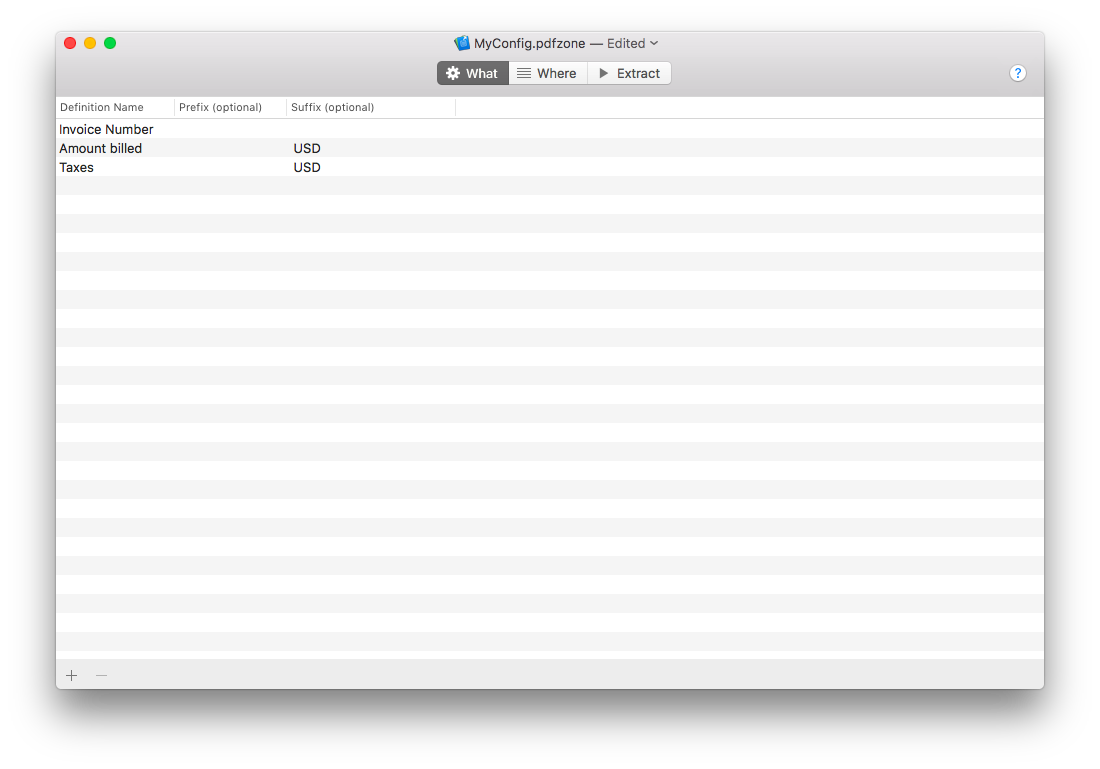
Fields
What are Fields (the WHAT)?
The Fields are What you want to extract. It can be anything that can be found in your document’s content. For example it can be:
- The invoice number
- The date
- The electricity consumption
- The author name
- …
How to create a Field?
- Go the the What Tab
- Click on the
 button
 - Enter a name for your Field in the newly created row in the table
Choose a type for the Field
For each field, you can define a data type. PDFZone will treat the extracted values for these fields accordingly. If you choose a Date, then PDFZone will try to convert the extracted value as a Date. This allows applying transformation when renaming the file or exporting the data.
- Text (default): the extracted values will be simply considered as text. This is the default value, choose this if you do not know what to choose.
- Date : the extracted values will be considered as a Date. PDFZone is very smart and will recognize them. Just give PDFZone a small hint under the Models tab (see Param Options) for a perfect accuracy of the detection.
- Number : the extracted values will be considered as a Number.
What are prefix and suffix?
They are an optional constant to be added at export before (prefix) or after (suffix) the extracted value. For example, if you decided to extract the invoice number, you could add “Invoice “ as prefix such that for each extracted invoice number, its exported value would be “Invoice <extracted invoice n°>”.